


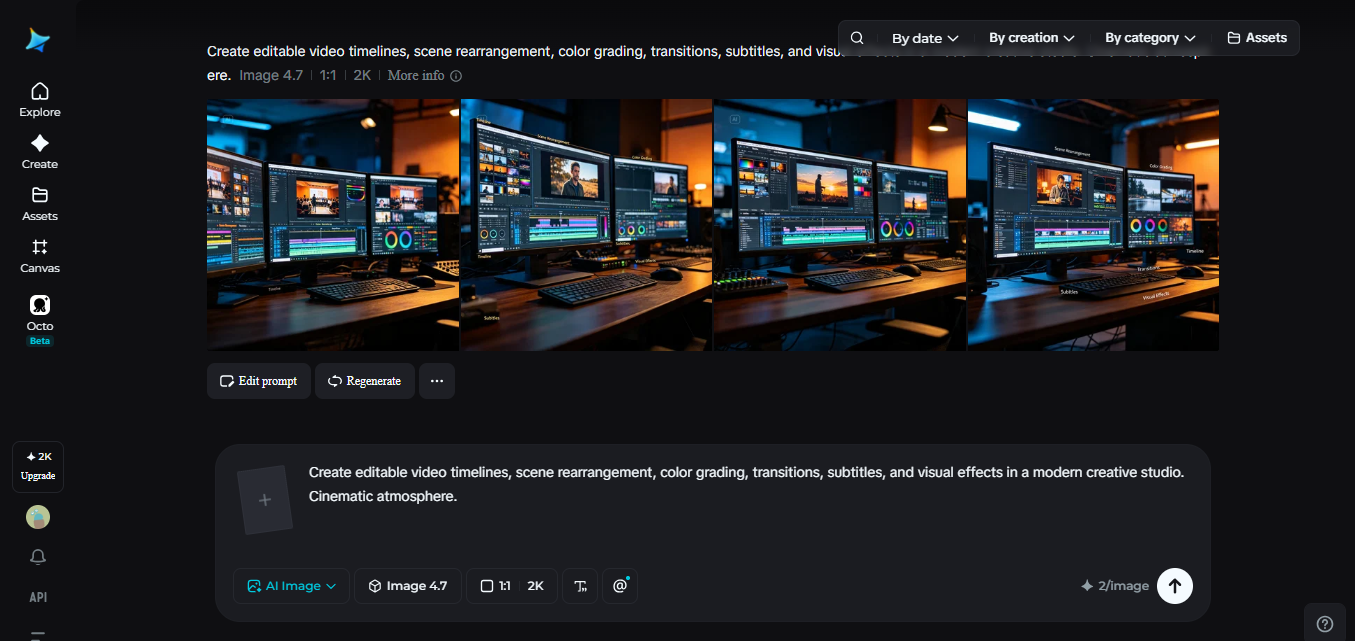
Editing has always been the part of video production where small changes take disproportionately long. A single unwanted object in the frame, a background sound that needs to go, or one scene that needs a slightly different mood can mean reworking far more than that one detail deserves.
For years, the only real fix was starting over — reshoot, re-render, or manually rework footage frame by frame. Dreamina’s video generation model, Seedance 2.5, changes that relationship entirely, treating editing as something flexible and targeted rather than something that forces a full redo every time.
Why editing used to mean starting from scratch
Traditional video editing tools are powerful, but they were built around the idea that footage is fixed the moment it’s captured. If something in a shot needs to change — an object removed, a background adjusted, a sound corrected — the options are usually limited to cropping around it, layering something on top, or reshooting entirely. None of these are quick fixes, and all of them add time to a process that’s often already running against a deadline.
AI video generation initially inherited a version of this same problem. Early tools could produce an impressive first pass, but making a small adjustment afterward often meant regenerating the entire clip and hoping the new version didn’t introduce different issues elsewhere. A single unwanted detail could mean losing everything else that was already working.
What makes editing with Seedance 2.5 actually flexible
Seedance 2.5 was built to break that all-or-nothing cycle. Editing now works at a much more granular level, letting specific parts of a video be adjusted without regenerating the whole thing from scratch.
Region-level editing targets exactly what needs to change
A specific object can now be removed or adjusted directly within a generated video — a backpack taken off a character, an accessory removed, a background detail cleaned up — while the rest of the scene stays untouched. This kind of precise, local editing used to be far more complicated to achieve, especially without professional editing software and real technical skill.
Audio editing is no longer a separate, disconnected process
Sound can now be adjusted directly within a generated video rather than being handled entirely outside the tool. Vocals can be removed, background noise stripped out, or a new soundtrack layered in, all without needing to regenerate the footage itself. That matters because audio has traditionally been treated as an afterthought, bolted on at the very end instead of shaped alongside the visuals.
Motion transfer holds up far better under editing
Consistency for motion-based edits has jumped from around 70% to over 90% compared to earlier versions, meaning changes that involve movement — adjusting how a character moves or interacts within a scene — now hold together far more reliably than before.
A few other changes support this flexibility directly:
- Timeline accuracy has tightened significantly, so edits land close to the intended moment rather than drifting
- Complex editing tasks are now supported directly, reducing how often a full regeneration is needed
- Extension support allows two rounds of continuation without the visible quality drop earlier versions introduced
Together, these changes mean editing has shifted from an all-or-nothing decision to something closer to fine-tuning — adjusting exactly what needs it, and leaving everything else alone.
Dreamina’s workspace: Create with intention, not guesswork
Step 1: Start with your prompt and a reference, if you’ve got one
Visit Dreamina, sign in, and head to the “AI Video” section. If your video is built around a specific subject or setting, click “Add reference image” and upload a photo to guide the generation. For a pure text-to-video creation, skip that step and describe the scene directly in your prompt.
A detailed prompt for a 30-second sequence might read: A chef plates a dish in a modern kitchen, garnishing it carefully, then carries it to a dining table where a couple is seated, setting it down as they smile and begin the meal, warm ambient lighting, smooth cinematic camera movement, elegant and inviting mood throughout.
Step 2: Let Seedance 2.5 generate your first pass
With your prompt ready, select the Seedance 2.5 model for generation. Choose your video length, then pick an aspect ratio suited to where it’s headed — 16:9 for YouTube, or 9:16 for TikTok. Click Dreamina’s generation icon and give it a few seconds to turn your prompt into footage.
Step 3: Fine-tune the details and send it out
Once the video is generated, use Dreamina’s AI editing tools to adjust exactly what needs it before saving. Upscale sharpens resolution for a cleaner finish, while Generate Soundtrack adds audio that fits the mood you’re going for. Once everything looks right, export the video and share it across social platforms, ads, or wherever it’s headed.
A more intentional way to work
Flexible editing changes how creators approach a first generation too. Instead of trying to get every detail perfect on the first attempt, there’s more room to treat the initial output as a strong starting point rather than a final answer:
- Generate first, then refine specific details rather than rewriting the whole prompt
- Adjust audio and visuals independently, since they’re no longer locked together
- Make small corrections without risking everything else that already looks right
Editing used to mean accepting a trade-off — live with an imperfect detail, or start the entire process over. With Dreamina and its Seedance 2.5 model, that trade-off has largely disappeared, giving creators the freedom to shape a video exactly the way they intended, one precise adjustment at a time.
Conclusion
Editing used to mean accepting a trade-off — live with an imperfect detail, or start the entire process over. With Dreamina and its Seedance 2.5 model, that trade-off has largely disappeared. Specific details can be adjusted without touching everything else, audio can be shaped independently of visuals, and a first generation can be treated as a strong starting point rather than a final answer.
The result is a workflow that finally matches how creators actually think — refining a video with precision, one intentional adjustment at a time, instead of starting over every time something needs to change.
